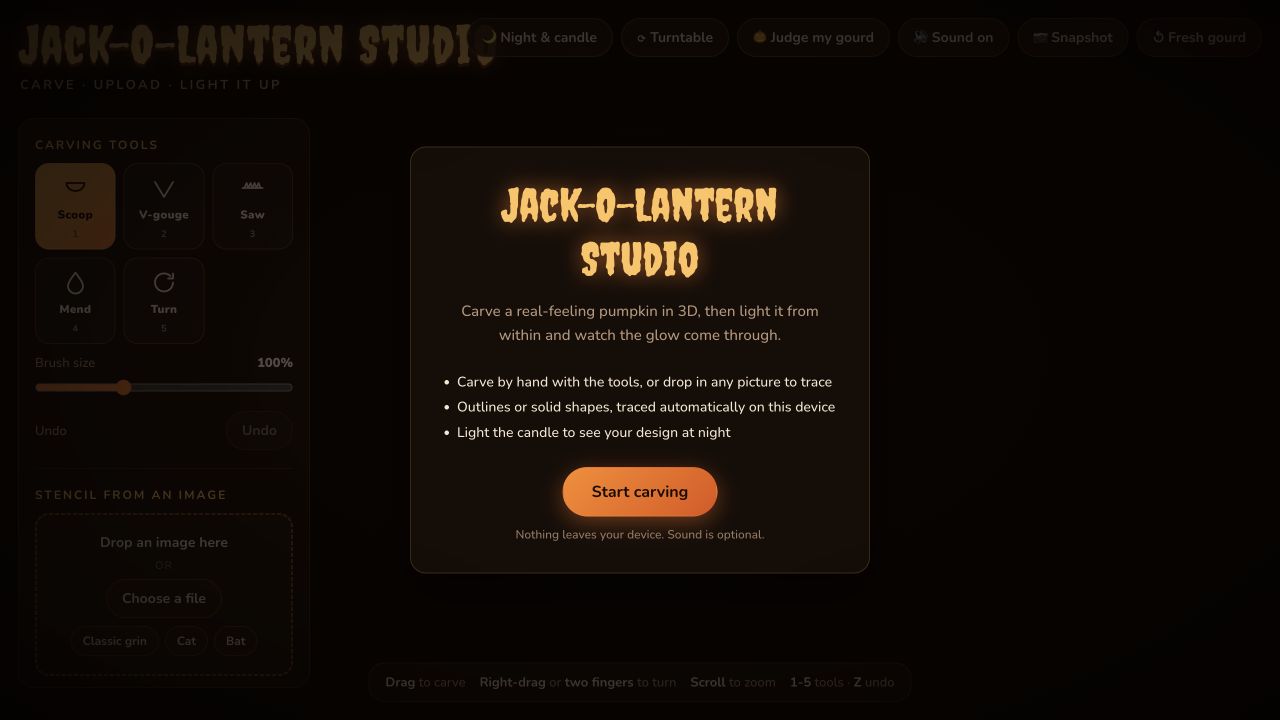
 Enter the workshop
The README reports that the pumpkin does not render properly.
We asked nine model / effort combinations to build a 3D pumpkin carving experience. Here’s what grew.
Pick your pumpkinNine original experiences. Go on, have a carve.
Enter the workshop The README reports that the pumpkin does not render properly.
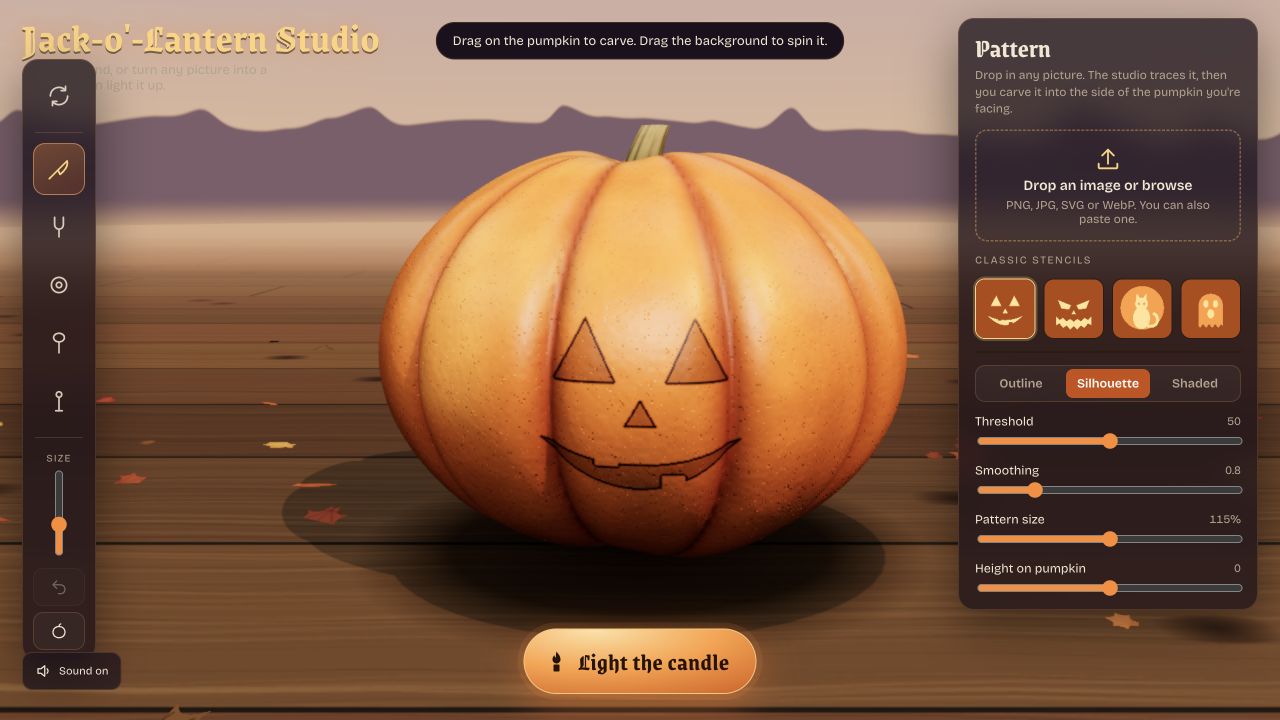 Enter the workshop
Also rated excellent in the README, with a run time of about 30 minutes.
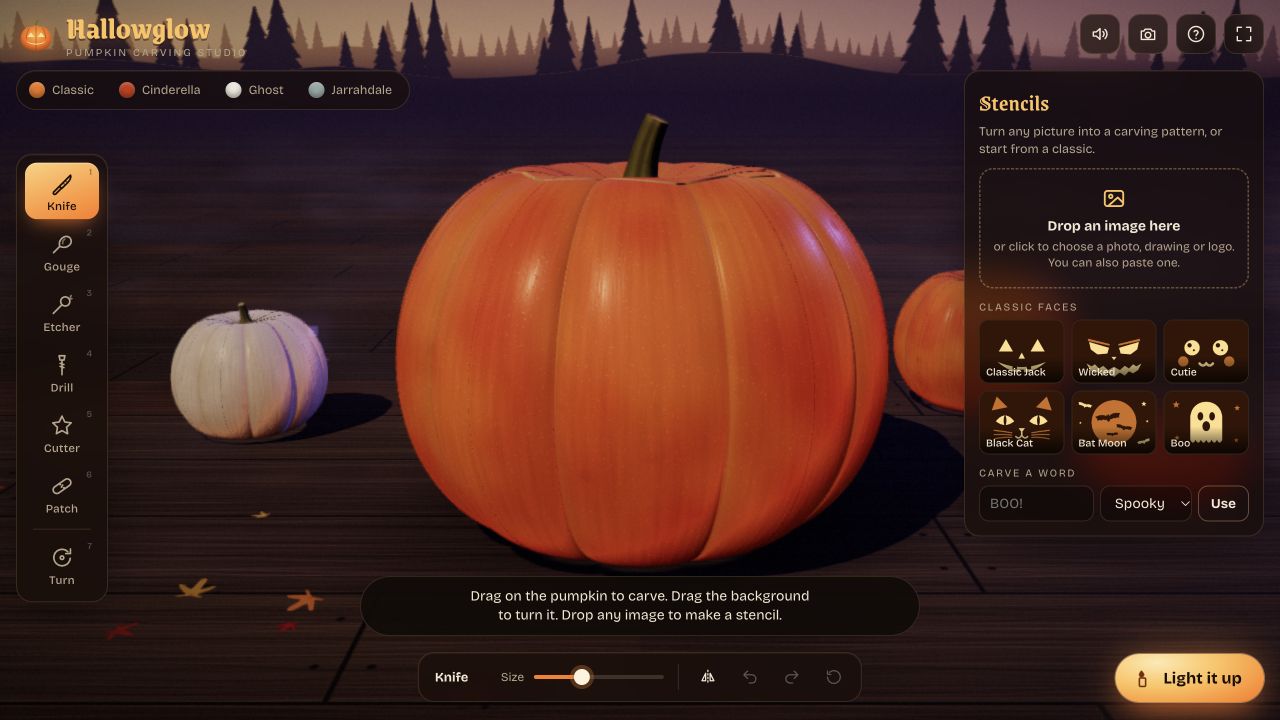 WinnerEnter the workshop
Rated incredible in the README, with a run time of about 1.5 hours.
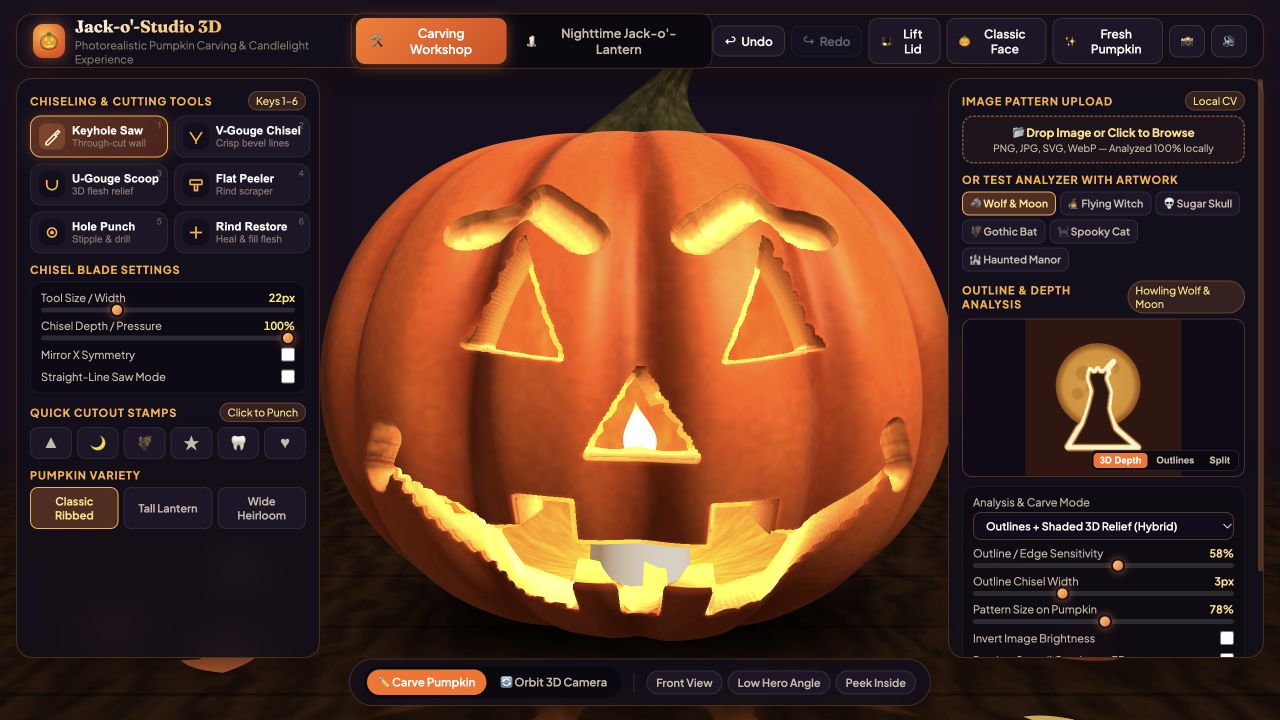 Enter the workshop
Rated quite good in the README, with a desktop-only layout that does not adapt to mobile screens.
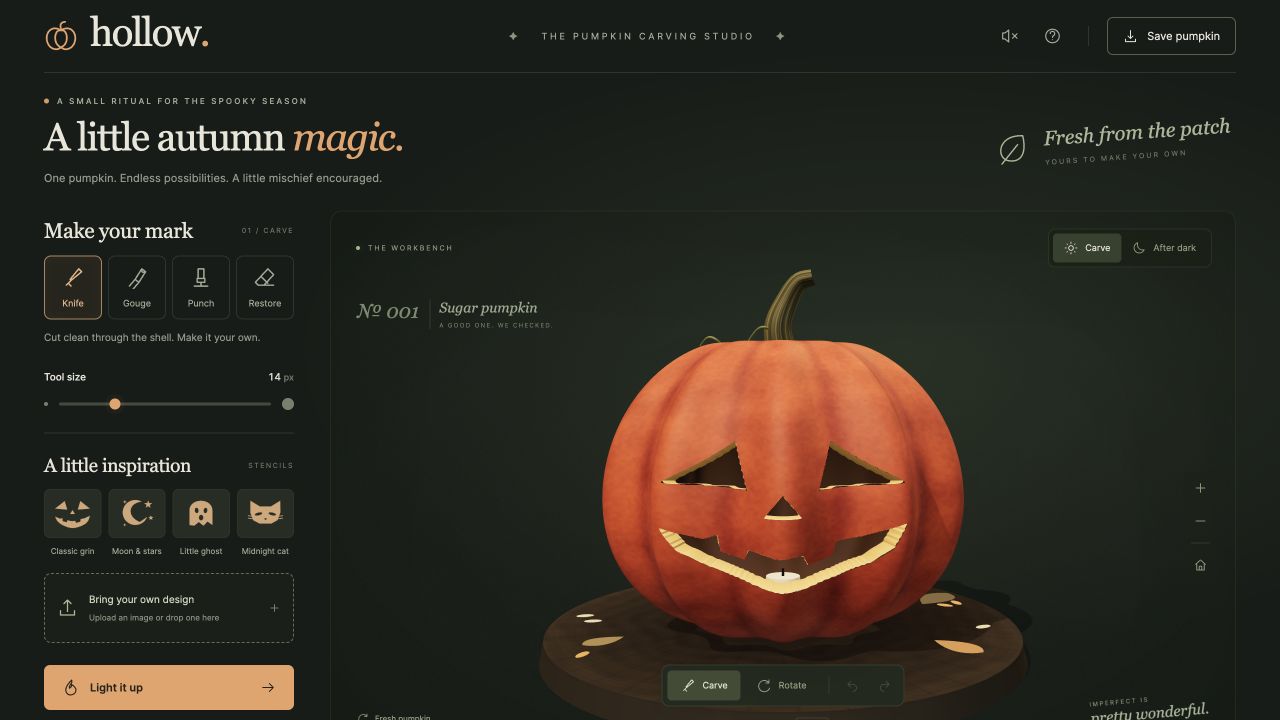 Enter the workshop
The author’s favorite among the OpenAI GPT models.
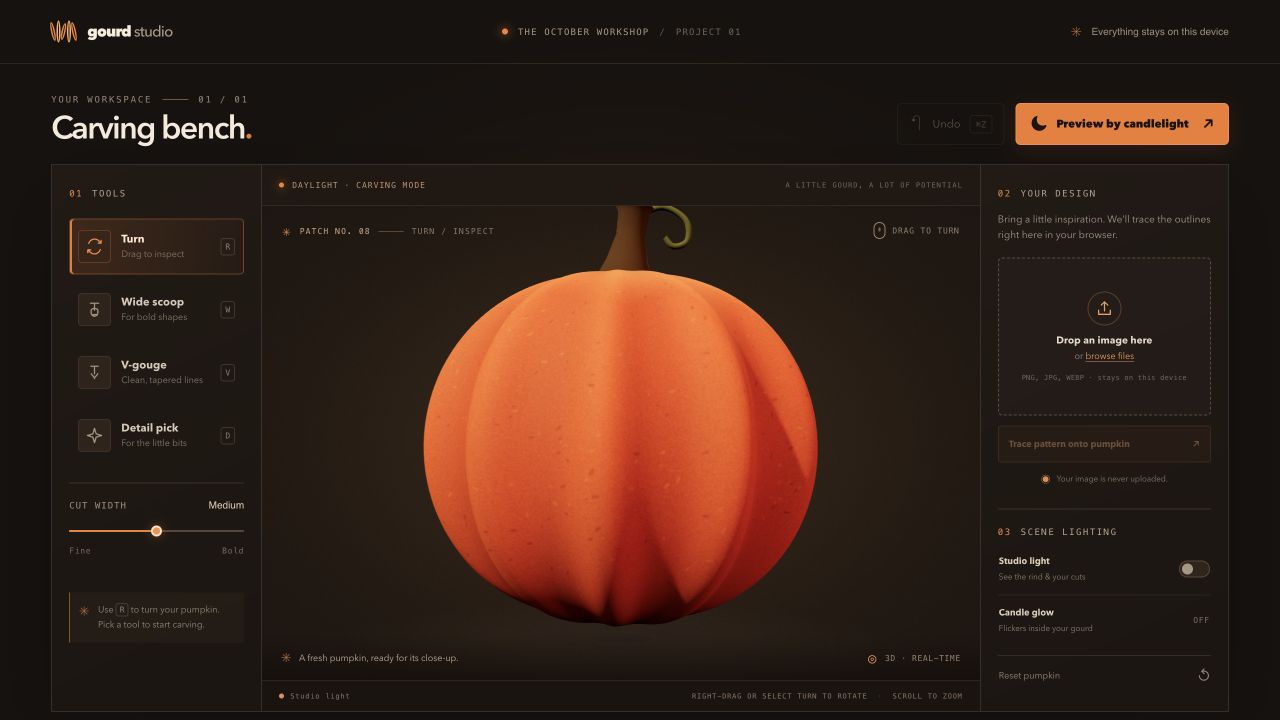 Enter the workshop
An impressive result in the author’s assessment.
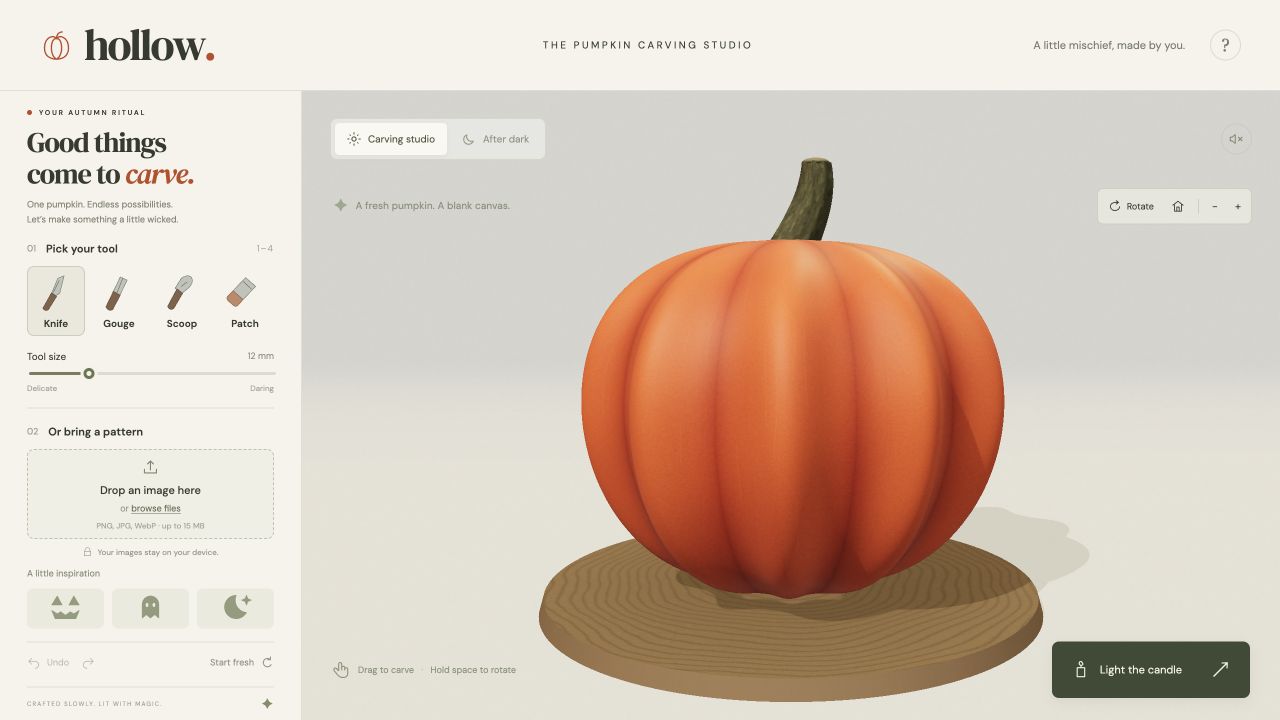 Enter the workshop
Also rated quite good in the README.
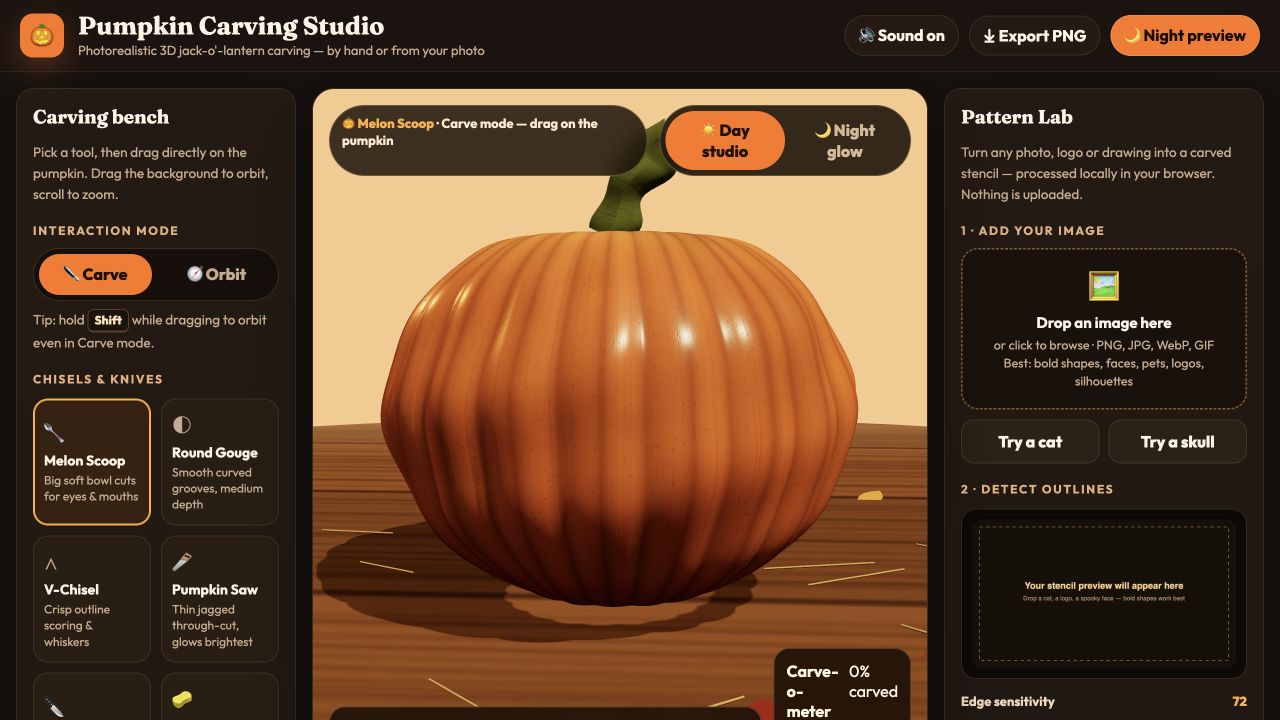 Enter the workshop
About 15 minutes, with many permission requests during validation.
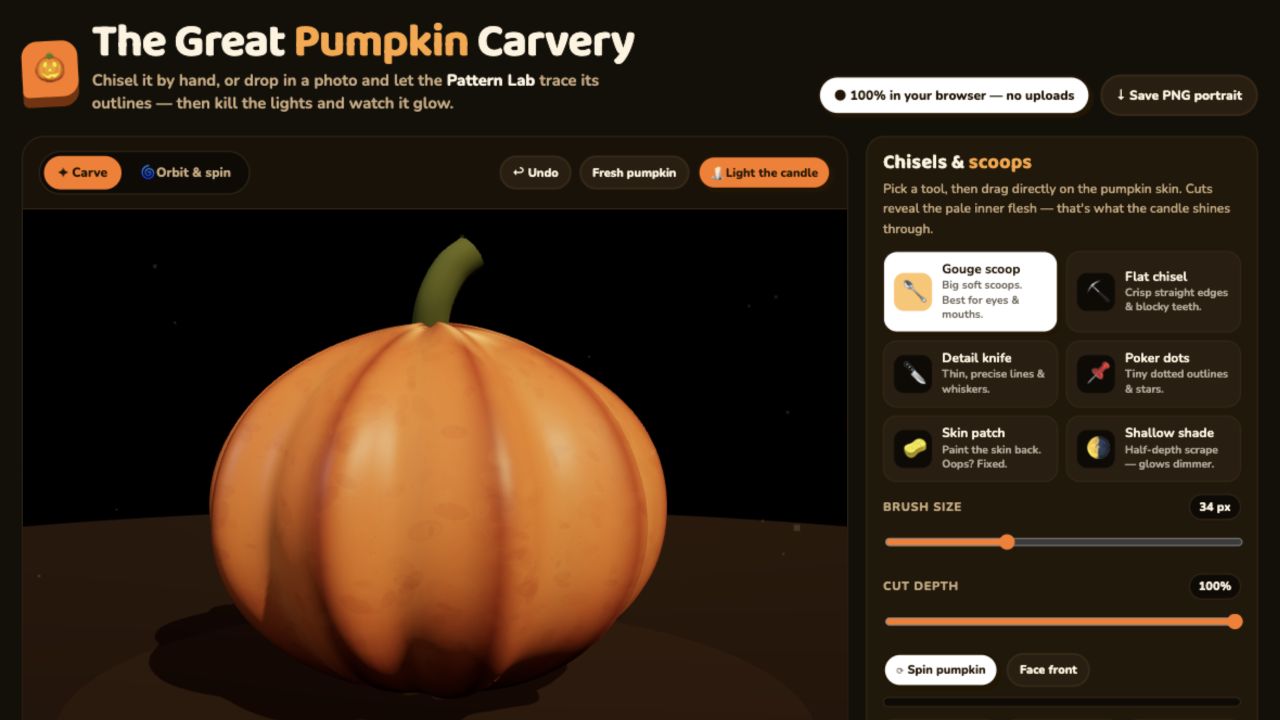 Enter the workshop
The README reports that the chiseling tools do not cut through the pumpkin, and the preset stencils all produce a rectangle.
Field notes and pass/fail labels reflect the README author’s informal assessment. These are representative samples, not an exhaustive or controlled benchmark.
Hand carving tools. Image-to-outline patterns.
A flickering candle after dark. And a little delight.
Hello, what's your name? What model are you and who created you?
Great, thanks for confirming. I have a fun engineering and product creation task I'd like you to complete. Please make a standalone self-contained web application of a photorealistic 3D Pumpkin Carving experience. The user can either directly carve the pumpkin using different chiseling tools you provide, or they can use the local file upload API via drag and drop or a file picker in the browser to select an image to use as the carving pattern. Devise a way to locally analyze the image, identify the outlines, and carve the outlines into the 3D pumpkin in a convincing way. Then offer a cool preview experience that will let you view the Pumpkin at nighttime illuminated by a candle flickering inside the Pumpkin, for the full virtual Jack-o-Lantern experience. Make sure the experience is delightful with playful interaction, fantastic design, and emphasizes beautiful 3D rendering of the Pumpkin Carving experience for the festive Halloween Season.
How the pumpkins were grown, and how to read the results.
Every sample starts with the same brief: build a standalone 3D pumpkin carving web app with hand carving tools, image upload and local outline tracing, and a nighttime preview with a flickering candle. The brief also asks for photorealistic rendering, playful interaction, and delightful design. The original prompts are reproduced above.
Each model ran in its provider’s default CLI harness: Codex, Claude Code, Muse CLI, or Antigravity CLI. The model and effort setting are shown on each gallery entry. These samples therefore reflect the model working inside that tool environment; they do not isolate the model from its harness. Effort labels describe the selected settings, rather than a common compute budget across providers.
After the initial identity question and task brief, the author gave no follow-up coaching, corrections, or requests for revisions. The only interventions were responses to system permission requests. A model could still take multiple internal steps, write code, and validate its work within its own run. One-shot means one task brief without human iteration, not one tool call.
No. The runs used the default behavior of their respective CLIs, and both time and token use varied widely. Claude models spent substantially longer than the other models. The README does not provide a complete token or cost ledger, so this gallery cannot establish which result is most efficient per token, dollar, or minute.
It is the author’s qualitative favorite: the README calls it incredible and a pass with flying colors. It also spent about 1.5 hours on the task. The author reports that this was more than four times as long as the longest run from another provider, GPT-6 Astra. Opus 5.5 at medium effort took about 30 minutes. The winner badge should be read alongside that difference in time spent.
The labels and field notes are the author’s informal assessments of the resulting experiences. They cover practical observations such as whether the pumpkin renders, carving tools cut through, and stencils behave as intended, alongside design impressions. There is no published numerical scoring rubric or repeated-trial analysis. A pass does not mean every requirement or screen size works perfectly; the Gemini sample, for example, earned a pass while its desktop-only layout was called out.
Treat them as representative examples of an open-ended visual coding task, not an exhaustive or controlled benchmark. The gallery contains 9 apps across 8 model names, with Opus appearing at two effort settings. Screenshots show each app’s initial loaded state before visitor interaction. Open the originals to explore their behavior; a screenshot alone cannot demonstrate whether a carving tool works.